
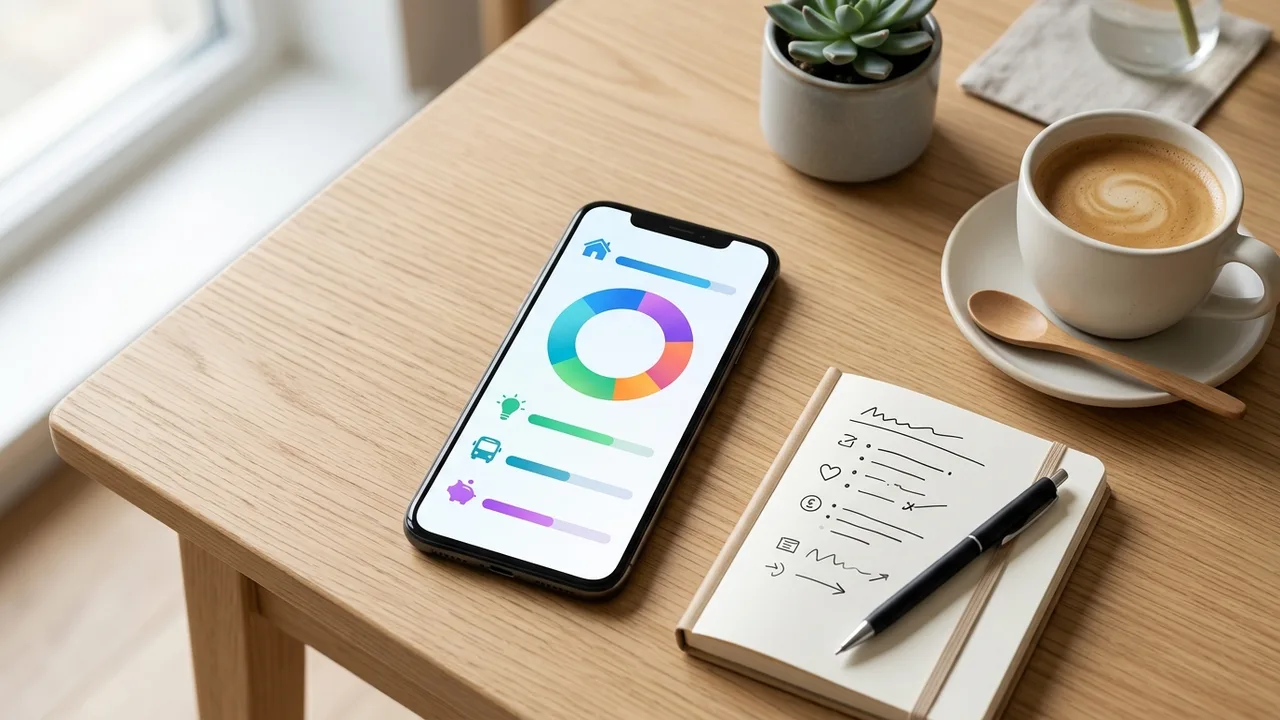
Free Budget App Without Excel: Why an App Works Better for Tracking Your Money
Maybe you've tried it before: setting up a spreadsheet to track your spending. Solid idea — but a few weeks later, the formulas break, you forget to enter things, and the whole overview falls apart.
You're not alone. Excel is great for data analysts. For tracking your groceries and monthly bills? Not so much.
A free budget app is a more honest alternative. Simpler, faster, and always in your pocket.
TL;DR
- Excel is too cumbersome for everyday budgeting
- A budget app gives you an instant visual overview of income and spending
- You don't need any financial knowledge to get started
- The right app lets you safely collaborate with a partner or financial coach
Table of Contents
- Why Excel doesn't work as a budget tracker
- What a budget app does differently
- What to look for in a free budget app
- Practical tips to get started
- How Budgivy helps
- FAQ
Why Excel Doesn't Work as a Budget Tracker
Excel is powerful. But for your day-to-day budget, it's more work than it's worth.
Here are the most common issues:
- You have to build or fix formulas yourself
- One wrong cell and your whole overview is off
- It barely works on your phone
- You skip entering expenses because it feels like a hassle
- There's no visual overview — just rows of numbers
Research from NIBUD, a Dutch institute for budget guidance, consistently shows that people who actively track their budget gain more control over their finances. But that only works if the method is sustainable.
Maintaining a spreadsheet requires both discipline and technical know-how. For many people, that's one barrier too many.
What a Budget App Does Differently
A good budget app removes the technical friction. You enter your income and expenses, and the app shows you exactly where you stand.
That sounds simple — because it is.
Visual overview instead of numbers
Instead of rows of figures, you see charts and categories. At a glance, you can see how much you're spending on groceries, rent, subscriptions, and personal expenses.
Always with you
Your phone is always nearby. So is your budget app. After a grocery run, you can log what you spent in seconds — not minutes.
No formulas required
Type in an amount, pick a category, done. That's all there is to it.
Month-over-month comparison
Most apps show you how this month compares to last month. You can spot trends without calculating anything yourself.
What to Look for in a Free Budget App
Not all apps are equal. Here's what actually matters:
| Feature | Why it matters |
|---|---|
| Privacy policy | Your financial data is sensitive. Know who can access it. |
| Easy entry | Too many steps and you'll stop using it. |
| Category overview | See quickly where your money is going. |
| No forced bank link | You should be able to choose how you enter data. |
| Collaboration | Useful for couples or people working with a financial coach. |
Consumer Reports consistently recommends reviewing an app's privacy practices before entering any personal financial data. It's a quick check that's worth doing.
Practical Tips to Get Started
You don't have to set everything up at once. Start small.
1. Pick one category first Choose groceries or subscriptions. Track everything in that one category for a month. You'll learn a lot just from that.
2. Log expenses right away Enter purchases immediately after you make them — not at the end of the day. You'll forget fewer things.
3. Audit your subscriptions Many people are paying monthly for four or five subscriptions they barely use. Three subscriptions at €9.99 each adds up to nearly €360 a year. Check this once a month.
4. Schedule a weekly money check-in Ten minutes, once a week. Review what came in and what went out. That's enough to stay on top of things.
5. Keep the system simple The fewer steps involved, the more likely you are to stick with it. A quick-entry app beats an elaborate system you never actually use.
How Budgivy Helps
Budgivy was built as a real alternative to Excel. No formulas, no complicated settings — just a clear overview.
Quick Add
With the Quick Add feature, you log an expense in a few taps. Amount, category, done. It's the easiest way to keep up with your budget planner without any extra effort.
Visual dashboards
You can see at a glance how much you've spent in each category and how much budget is left. No numbers to interpret yourself.
Smart Plans based on the 50/30/20 rule
Budgivy can help you set up a budget framework based on the 50/30/20 rule: 50% for fixed expenses, 30% for personal spending, and 20% for saving. Smart Plans never adjust your numbers automatically — you stay in control. Always.
Collaborate with your partner or financial coach
Using permission settings, you can securely share your household budget with a partner or financial counselor. Everyone sees the same overview without needing to send separate files back and forth.
Set a monthly budget
With the monthly budget feature, you set a spending limit for each category. When you're getting close to that limit, you'll see it immediately.
Ready to Get Started?
Want to see exactly where your money goes each month? Start for free with Budgivy at budgivy.app and set up your first budget overview without any hassle. No Excel, no formulas, no guessing.
FAQ
Is a free budget app safe for my financial data? A trustworthy budget app uses encrypted connections and gives you control over who sees your data. Always read the privacy policy of any app before entering your financial information.
Can I use a budget app if I have a low income? Yes — especially then. Having a clear overview helps you make intentional choices, no matter how much you earn.
Do I have to connect my bank account to a budget app? No. With Budgivy, you enter income and expenses manually using Quick Add. Your banking details stay with you.
Does a budget app work for couples budgeting together? Yes. With Budgivy, you can securely share your budget with a partner or financial coach using permission settings. Everyone sees the same overview.
What's the difference between a budget tracker and a budget app? A budget tracker is any system for logging income and expenses. A budget app does the same thing — but digitally, visually, and much easier to keep up with, even on the go.
How do I start if I've never tracked a budget before? Start small. Track all your spending for one week. That alone tells you a lot. An app like Budgivy helps you build structure from there.
Create your first budget for free — no hassle, no spreadsheet.